
At first, you will see the blank app. The star or sliding the background to the right will show saved matches once you have them. The eye will shows your preferences. The notepad will allow you to edit your preferences.
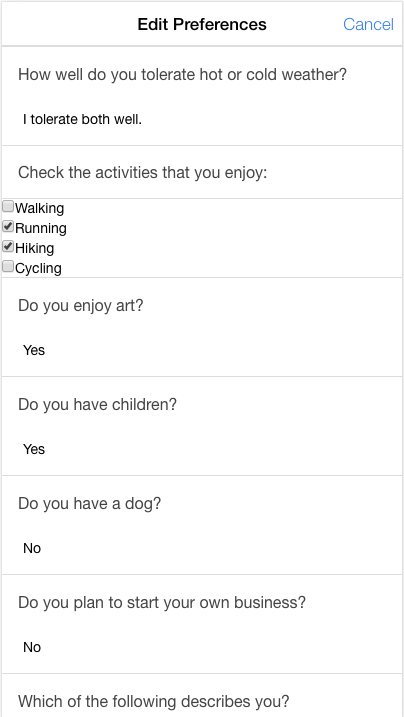
Fill out your preferences after clicking on the notebad, and then click the Save button at the bottom. You can always return later to complete or alter your preferences.
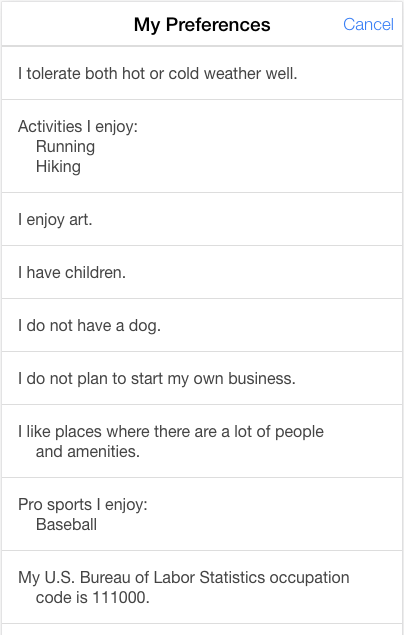
You can view your preferences without editing them by clicking on the eye.
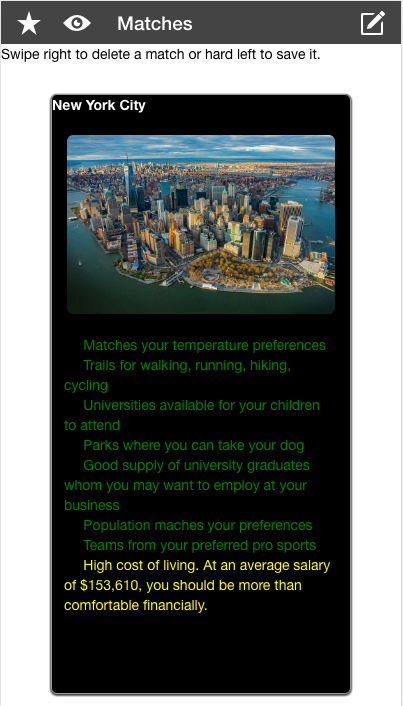
After saving your preferences, your matches will be visible on the main screen.
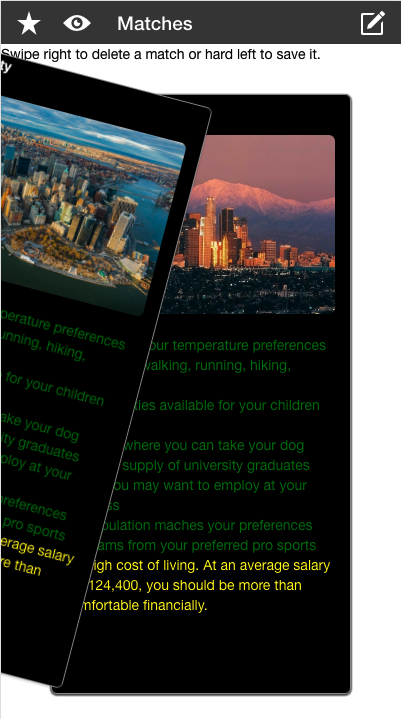
Swipe left to save a match.
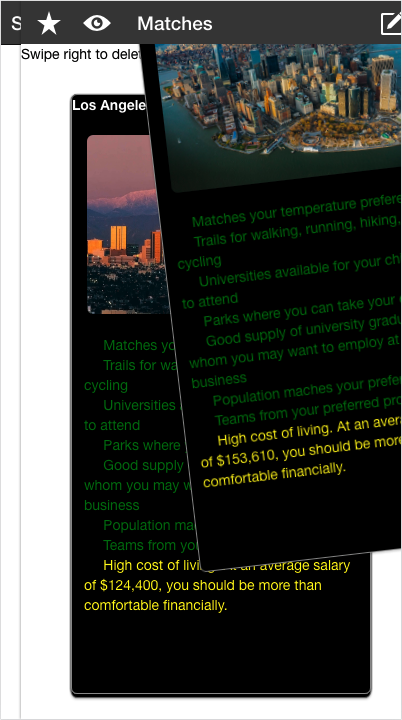
Swipe right to delete a match.
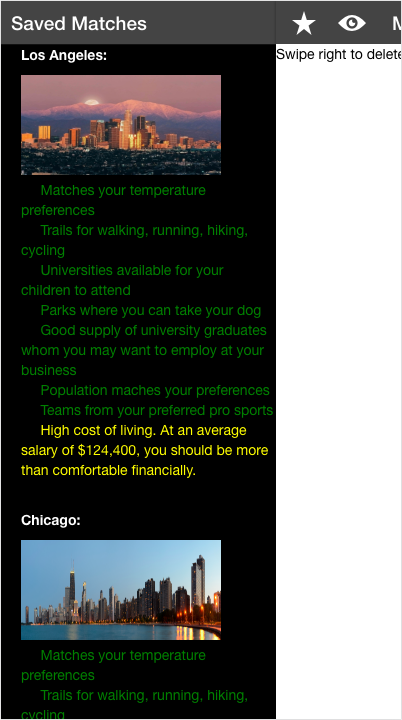
Your saved matches can be viewed by clicking on the star or sliding the background to the right.